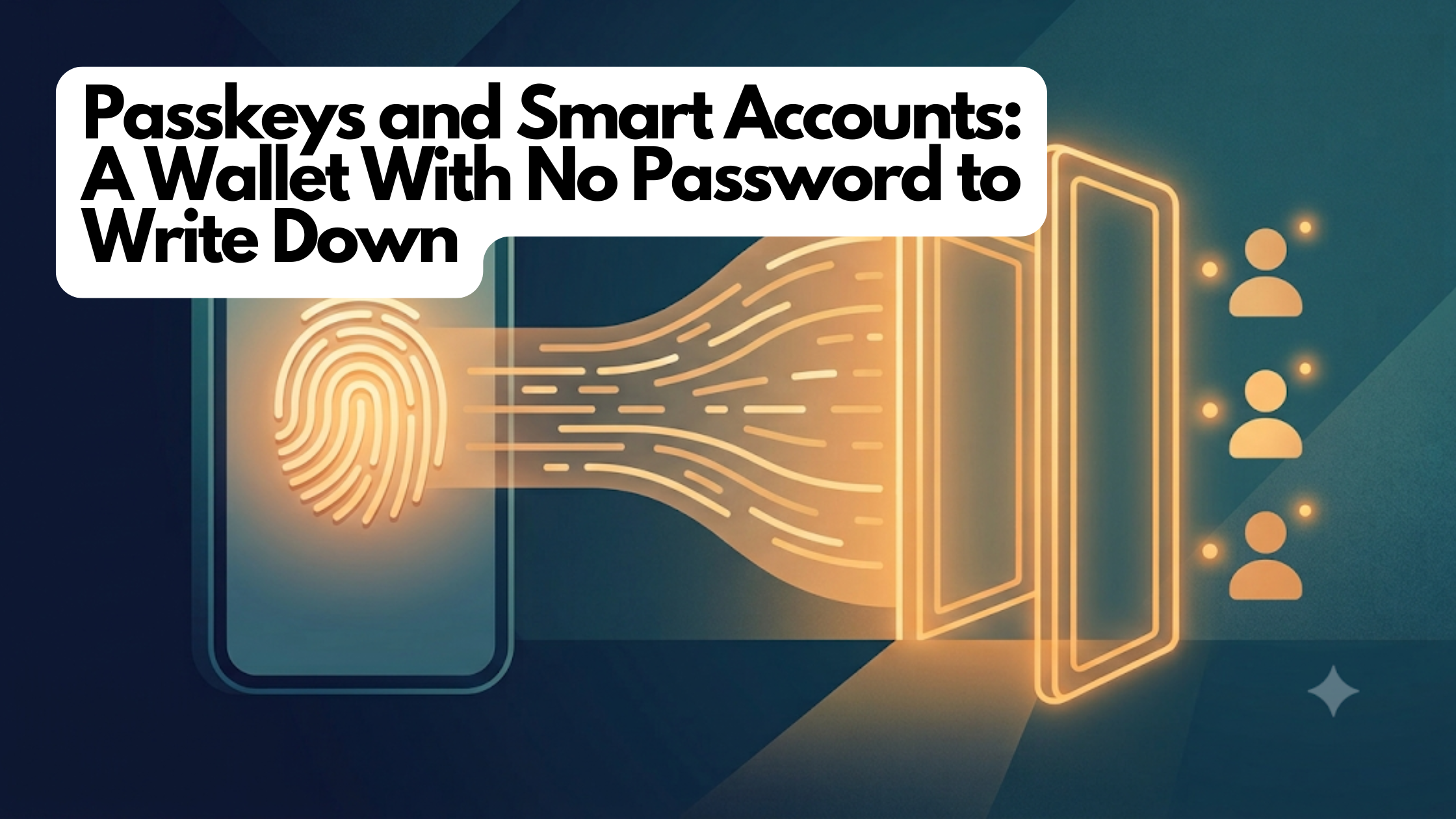
Passkeys and Smart Accounts: A Wallet With No Password to Write Down

What a passkey is, what a “smart-contract wallet” means, and why together they let you have a real crypto account without ever seeing a seed phrase

SeriesKnowledge Base
TrackWallets & Keys
LevelBeginner
AudienceNewcomers who unlock their phone with Face ID and want to know what’s under the hood
Tagspasskeys, smart-accounts, webauthn, wallets, basics
Reading time~6 minutes

The twelve words nobody wants to write down

If you have tried a crypto wallet before, you may remember the moment it handed you twelve random words and told you, sternly, to write them on paper and never lose them, never photograph them, never type them anywhere. That list — called a seed phrase — is the master key to the account. Lose it and your money is gone; let someone see it and they can take everything.

For most normal people, that is where crypto ends. Guarding twelve words like a launch code is nobody’s idea of a fun Tuesday night.

Here is the good news: you almost certainly already use a better system every day, and you probably do not even think of it as security. It is the fingerprint or face scan that unlocks your phone and signs you into apps. This primer explains that system — called passkeys — and the second piece that lets it control real money: a smart account.

What a passkey is

A passkey is a login credential built into your device that you unlock with your face or fingerprint instead of a password. It is the everyday name for a technology called WebAuthn, the same standard behind Face ID sign-in and fingerprint logins on banking and shopping sites you already trust.

Here is the part that makes it powerful. When you create a passkey, your phone generates a secret key and stores it inside a tiny, tamper-resistant security chip. That secret never leaves the chip — not to the app, not to a server, not even to you. When something needs approval, the chip proves it is you (after your face or fingerprint check) without ever revealing the secret itself.

Compare that to a seed phrase or a password, which you can be tricked into typing into a fake website or reading aloud to a scammer posing as support. A passkey has nothing to type and nothing to hand over — there is simply no secret sitting around for a thief to phish. That is exactly the security property crypto wallets have wanted for years.

What a smart account is

So passkeys are a great way to prove it is you. But there is a catch when you try to point one at a crypto account.

An ordinary crypto account is basically a single key and nothing else — a plain lockbox with one lock. It expects signatures written in one specific mathematical “handwriting.” Your phone’s security chip signs in a different handwriting. The two do not recognize each other, so a passkey cannot directly open an old-style account.

The fix is to make the account itself a little smarter. Instead of a plain lockbox, your account becomes a small program that lives on the blockchain — a smart account (you may also hear “smart-contract wallet” or “account abstraction”). Because it is a program, it can be taught to read your passkey’s handwriting and check your phone’s signatures directly.

That upgrade quietly unlocks conveniences a plain account never could:

  • No seed phrase. Your face or fingerprint is the key. There is nothing to write on paper.
  • More than one way in. A smart account keeps a list of approved controllers, not a single fixed key. You can add a second passkey on your tablet, or link an existing wallet as a backup — any of them can get you in.
  • It can protect itself. Because it is a program, the account can enforce its own rules — for example, refusing to remove its very last controller so you cannot accidentally lock yourself out forever.

Think of an old account as a padlock, and a smart account as a small, programmable door with a guest list you can update as your life changes.

How the two fit together

Put them side by side and the experience clicks. The passkey is who you are — proven by your face or fingerprint, backed by a secret that never leaves your phone. The smart account is where your money lives — a program on the blockchain that recognizes that passkey and follows rules you can trust. You unlock it the same way you unlock your phone: the account confirms the approval came from a passkey on its guest list, and only then does anything move. No password, no seed phrase, no browser extension.

How this shows up in FairWins

When you join FairWins, this is exactly what happens — usually in a few seconds and without you thinking about any of it. Your face or fingerprint creates a passkey, and a smart account is set up that recognizes it. There is no twelve-word phrase to record, because there isn’t one.

FairWins leans on the smart account’s guest-list design in a friendly, practical way. It encourages you to add a backup controller — a second passkey or a linked wallet — so that if your phone is lost or broken, another approved device can still get you in. Adding one is a single face or fingerprint approval. And when you link something as a backup, the app tells you plainly that a backup controller has full control of the account, because on the guest list everyone is an equal peer.

What to watch out for

  • A passkey is only as safe as your device’s backup. Most phones automatically sync passkeys to your cloud account (iCloud Keychain, Google Password Manager), so a new phone restores them. But a passkey made in a browser profile that wasn’t syncing can be genuinely lost — which is exactly why adding a second controller in the app matters.
  • “No seed phrase” is not “no responsibility.” You still hold your own account. The responsibility shifted from guarding a paper phrase to keeping a backup way in. Do that early.
  • Anyone with a controller has full power. Only link a wallet or add a passkey you actually trust and control. The app says so, and means it.
  • Your face and fingerprint never leave your phone. The biometric check happens on your device to unlock the passkey; FairWins never sees it.

Related deep-dive

Want the engineering details? Read Passkey Smart Accounts: A Wallet You Open With Your Fingerprint — how FairWins turned Face ID into a real, self-custodial account with no seed phrase.

Learn more

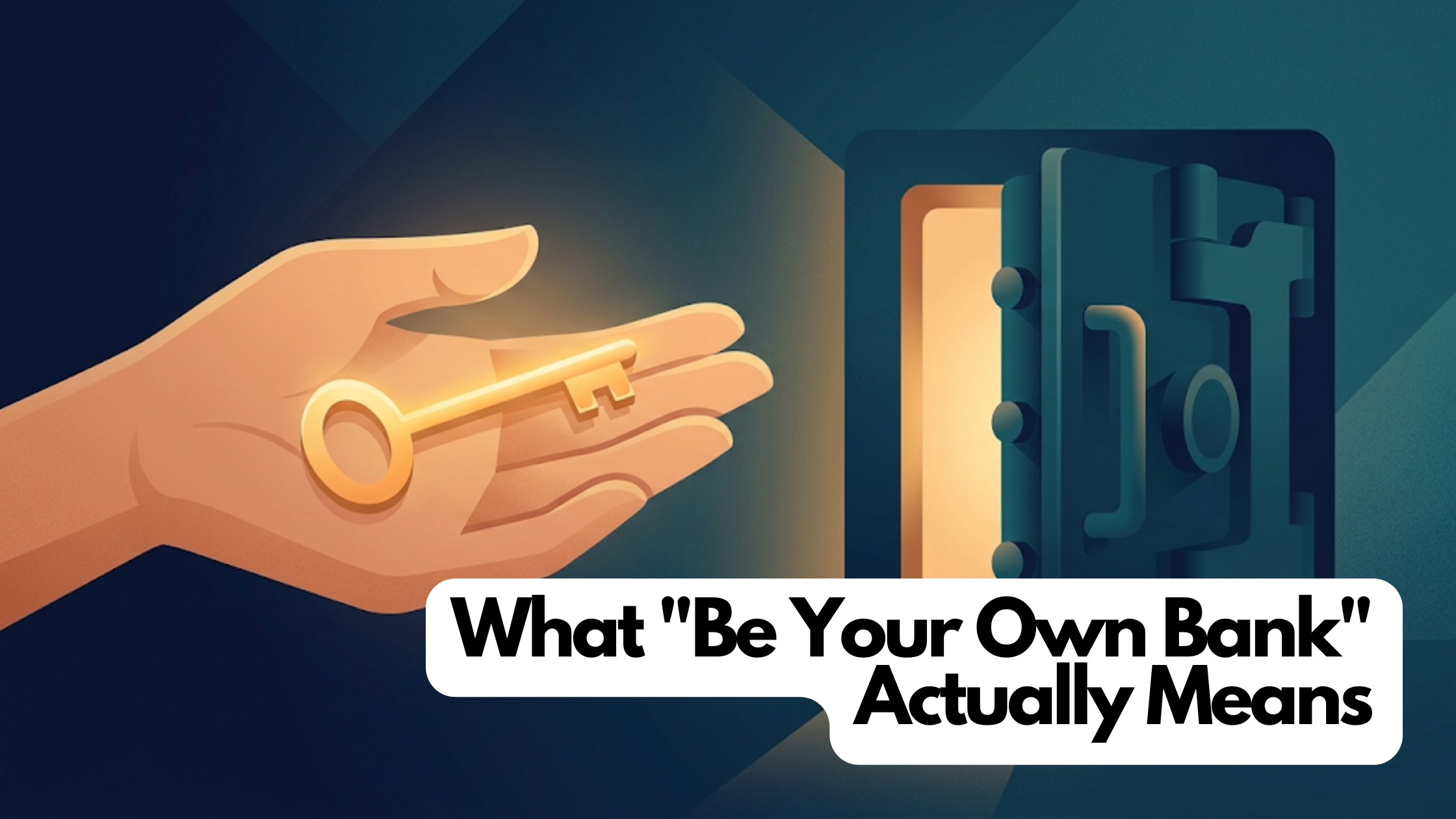
What “Be Your Own Bank” Actually Means

Self-custody in plain English: what a key is, why “not your keys, not your coins” caught on, and the responsibility that comes with the freedom

SeriesKnowledge Base
TrackWallets & Keys
LevelBeginner
AudienceCurious newcomers who use a bank app but have never held crypto
Tagsself-custody, wallets, keys, security, basics
Reading time~5 minutes

Who holds the vault key?

Think about the money in your bank account. You can see the balance in an app, tap to send some, and trust that it will be there tomorrow. But you are not the one actually holding it. The bank holds it. If you forget your password, the bank can reset it. If someone drains your account, the bank can often claw the money back. That safety net exists because a company sits in the middle, holding your money on your behalf.

That arrangement is called custody — someone else has custody of your funds. It is comfortable and familiar. It also means the bank can freeze your account, decline a payment, or close your access if it decides to.

Crypto offers a different arrangement, and it has a name that sounds bold: self-custody. It means you hold your own money directly, with no company standing in the middle. People sometimes call this “being your own bank.” This primer is about what that really involves — the freedom and the responsibility, honestly.

What self-custody actually is

In crypto, your money lives on a shared public ledger — a giant, tamper-resistant record that thousands of computers keep in sync. Nobody “has” your coins in a drawer. Instead, the ledger says a certain balance belongs to a certain account, and the only way to move that balance is to prove you control the account.

You prove it with a key — think of it as a secret password that also acts as a signature. Whoever holds the key can move the money. There is no manager to appeal to, no “forgot password” button that a company can press for you. The key is the ownership.

That is the whole idea. Self-custody means the key lives with you, not with a company. In older wallets, that key was often shown to you as a list of twelve or twenty-four words — a seed phrase — that you were told to write on paper and never lose. (Newer wallets, including FairWins, replace that with your phone’s built-in security — more on that in the next primer.)

Why people care: “not your keys, not your coins”

You will hear this phrase everywhere in crypto: “not your keys, not your coins.” It is a warning, and it comes from hard experience.

When you leave your crypto on an exchange or app that holds the keys for you, you are trusting that company the same way you trust a bank — except most crypto companies are not banks and have none of a bank’s protections. Several large ones have collapsed or been hacked, and people who thought they “owned” coins there discovered they only owned an IOU that the company could no longer honor.

The phrase means: if you do not personally hold the keys, you do not truly own the coins — you own a promise. Self-custody removes the middleman and the promise. Your money cannot be frozen by a company, cannot vanish in someone else’s bankruptcy, and does not require anyone’s permission to move.

The trade-off, stated honestly

Freedom has a price, and it would be dishonest to skip it: with self-custody, you are responsible for your own keys. There is no support line that can undo a mistake.

  • If you lose the only key and have no backup, the money is gone. Not “frozen pending review” — gone.
  • If someone tricks you into revealing your key or signing something you did not understand, they can take everything, and no one can reverse it.
  • Nobody can help you recover access the way a bank can, precisely because nobody else has your key.

This is not meant to scare you off. Millions of people self-custody safely by doing two simple things: keeping a backup so a single lost device is not the end, and slowing down before approving anything involving money. The rest of this track is about making those two things easy.

How this shows up in FairWins

FairWins is a self-custody app. When you join, an account is created that only you control — the keys never touch a FairWins server, and the company holds no master switch over your funds. That is a deliberate design choice: it is what lets FairWins honestly say your money is yours.

FairWins tries to keep the good part of self-custody (you are in control) while softening the scary part (one mistake ends everything). It does this two ways worth knowing now. First, it uses your phone’s own security hardware instead of a seed phrase you have to write down. Second, it strongly encourages you to add a backup controller — a second way to get into your account — before anything goes wrong, so a lost or broken phone is an inconvenience, not a catastrophe. The app will nudge you until you have one, on purpose.

What to watch out for

  • A backup is not optional. The single most common way people lose self-custodied money is having exactly one way in, then losing it. Set up a backup early, while everything is working.
  • No one legitimate ever needs your key or recovery words. Anyone who asks — “support,” a giveaway, a friend in a hurry — is trying to rob you. Real apps never ask.
  • Read before you approve. Signing a transaction is like signing a check that cannot bounce or be cancelled. FairWins shows you exactly what you are approving before you approve it; take the extra second to look.
  • Self-custody is a responsibility, not a personality test. If you are not ready for it on day one, that is fine — just do not keep more on any app than you would be comfortable managing.

Related deep-dive

Want the engineering details? Read Losing Every Passkey Shouldn’t Mean Losing the Account — how FairWins makes a self-custody account recoverable without bringing back the seed phrase.

Learn more