Passkeys and Smart Accounts: A Wallet With No Password to Write Down

What a passkey is, what a “smart-contract wallet” means, and why together they let you have a real crypto account without ever seeing a seed phrase

SeriesKnowledge Base
TrackWallets & Keys
LevelBeginner
AudienceNewcomers who unlock their phone with Face ID and want to know what’s under the hood
Tagspasskeys, smart-accounts, webauthn, wallets, basics
Reading time~6 minutes

The twelve words nobody wants to write down

If you have tried a crypto wallet before, you may remember the moment it handed you twelve random words and told you, sternly, to write them on paper and never lose them, never photograph them, never type them anywhere. That list — called a seed phrase — is the master key to the account. Lose it and your money is gone; let someone see it and they can take everything.

For most normal people, that is where crypto ends. Guarding twelve words like a launch code is nobody’s idea of a fun Tuesday night.

Here is the good news: you almost certainly already use a better system every day, and you probably do not even think of it as security. It is the fingerprint or face scan that unlocks your phone and signs you into apps. This primer explains that system — called passkeys — and the second piece that lets it control real money: a smart account.

What a passkey is

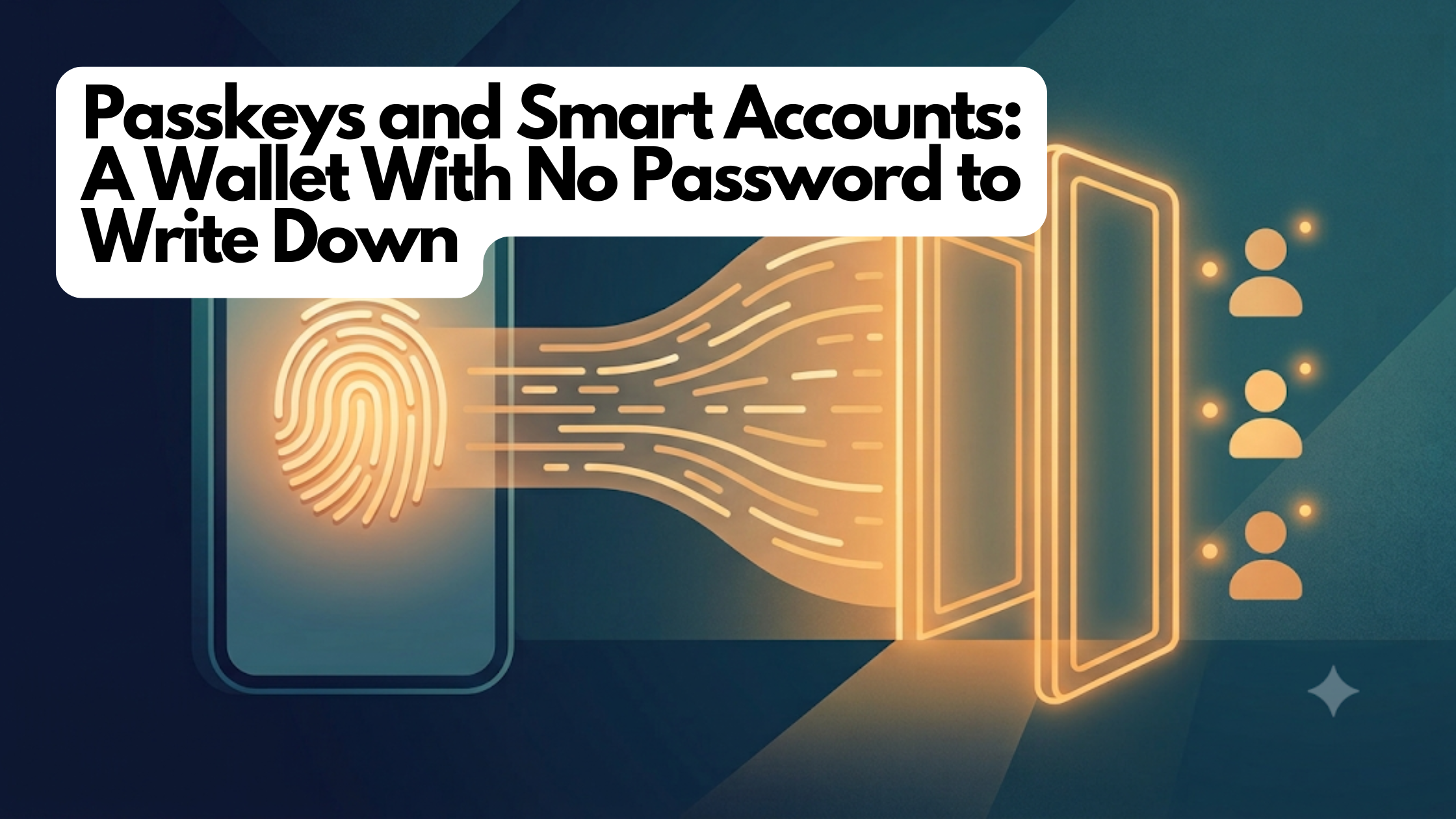
A passkey is a login credential built into your device that you unlock with your face or fingerprint instead of a password. It is the everyday name for a technology called WebAuthn, the same standard behind Face ID sign-in and fingerprint logins on banking and shopping sites you already trust.

Here is the part that makes it powerful. When you create a passkey, your phone generates a secret key and stores it inside a tiny, tamper-resistant security chip. That secret never leaves the chip — not to the app, not to a server, not even to you. When something needs approval, the chip proves it is you (after your face or fingerprint check) without ever revealing the secret itself.

Compare that to a seed phrase or a password, which you can be tricked into typing into a fake website or reading aloud to a scammer posing as support. A passkey has nothing to type and nothing to hand over — there is simply no secret sitting around for a thief to phish. That is exactly the security property crypto wallets have wanted for years.

What a smart account is

So passkeys are a great way to prove it is you. But there is a catch when you try to point one at a crypto account.

An ordinary crypto account is basically a single key and nothing else — a plain lockbox with one lock. It expects signatures written in one specific mathematical “handwriting.” Your phone’s security chip signs in a different handwriting. The two do not recognize each other, so a passkey cannot directly open an old-style account.

The fix is to make the account itself a little smarter. Instead of a plain lockbox, your account becomes a small program that lives on the blockchain — a smart account (you may also hear “smart-contract wallet” or “account abstraction”). Because it is a program, it can be taught to read your passkey’s handwriting and check your phone’s signatures directly.

That upgrade quietly unlocks conveniences a plain account never could:

  • No seed phrase. Your face or fingerprint is the key. There is nothing to write on paper.
  • More than one way in. A smart account keeps a list of approved controllers, not a single fixed key. You can add a second passkey on your tablet, or link an existing wallet as a backup — any of them can get you in.
  • It can protect itself. Because it is a program, the account can enforce its own rules — for example, refusing to remove its very last controller so you cannot accidentally lock yourself out forever.

Think of an old account as a padlock, and a smart account as a small, programmable door with a guest list you can update as your life changes.

How the two fit together

Put them side by side and the experience clicks. The passkey is who you are — proven by your face or fingerprint, backed by a secret that never leaves your phone. The smart account is where your money lives — a program on the blockchain that recognizes that passkey and follows rules you can trust. You unlock it the same way you unlock your phone: the account confirms the approval came from a passkey on its guest list, and only then does anything move. No password, no seed phrase, no browser extension.

How this shows up in FairWins

When you join FairWins, this is exactly what happens — usually in a few seconds and without you thinking about any of it. Your face or fingerprint creates a passkey, and a smart account is set up that recognizes it. There is no twelve-word phrase to record, because there isn’t one.

FairWins leans on the smart account’s guest-list design in a friendly, practical way. It encourages you to add a backup controller — a second passkey or a linked wallet — so that if your phone is lost or broken, another approved device can still get you in. Adding one is a single face or fingerprint approval. And when you link something as a backup, the app tells you plainly that a backup controller has full control of the account, because on the guest list everyone is an equal peer.

What to watch out for

  • A passkey is only as safe as your device’s backup. Most phones automatically sync passkeys to your cloud account (iCloud Keychain, Google Password Manager), so a new phone restores them. But a passkey made in a browser profile that wasn’t syncing can be genuinely lost — which is exactly why adding a second controller in the app matters.
  • “No seed phrase” is not “no responsibility.” You still hold your own account. The responsibility shifted from guarding a paper phrase to keeping a backup way in. Do that early.
  • Anyone with a controller has full power. Only link a wallet or add a passkey you actually trust and control. The app says so, and means it.
  • Your face and fingerprint never leave your phone. The biometric check happens on your device to unlock the passkey; FairWins never sees it.

Related deep-dive

Want the engineering details? Read Passkey Smart Accounts: A Wallet You Open With Your Fingerprint — how FairWins turned Face ID into a real, self-custodial account with no seed phrase.

Learn more

Custody Without a Custodian: Rethinking Safekeeping When Nobody Holds Your Assets

What self-custody actually changes about segregation, insolvency remoteness, and operational responsibility — and how passkey-based smart accounts turn a scary phrase into a controls story

SeriesFinance Professional Series
TrackCustody & Settlement
LevelIntermediate
AudienceTreasury and operations leads, custody and fund-ops specialists, compliance and risk officers, allocators
Tagscustody, self-custody, segregation, insolvency-remoteness, operational-risk, smart-accounts
Reading time~8 minutes

The question a custody review is supposed to answer

Every custody due-diligence checklist, whatever its length, is really trying to answer three questions. Are the assets segregated from the custodian’s own balance sheet? Are they insolvency-remote — safe if the custodian fails? And who bears the operational burden of keys, reconciliation, and access control? A qualified custodian exists precisely so that a professional can answer “yes, yes, them” and move on.

Self-custody breaks that shorthand. There is no third party holding the asset, no omnibus account, no custodial agreement to paper. For a finance professional, the instinct is unease: if nobody is the custodian, who is accountable? The honest answer is that self-custody does not remove the three questions — it relocates them. Segregation becomes structural rather than contractual. Insolvency remoteness becomes near-absolute rather than negotiated. And operational responsibility, which a custodian used to absorb, comes home to the asset owner. Whether that trade is attractive depends entirely on the quality of the controls that replace the custodian. That is the subject worth examining closely.

The traditional model: a custodian as intermediary and shock absorber

In the traditional world, a qualified custodian is both a safekeeping agent and a legal firewall. Client assets are held in segregated accounts, recorded as belonging to the client rather than the custodian, and — where the structure is sound — placed beyond the reach of the custodian’s creditors if it fails. Layered on top are the operational services you are really paying for: reconciliation, access controls, dual authorization, insured vaults, audited processes (often evidenced by a SOC 2 report, an independent attestation of a service organization’s controls), and a claims path when something goes wrong.

Those benefits are real, and so are the frictions. Assets sit inside someone else’s balance sheet and legal perimeter. Segregation is only as good as the paperwork and the jurisdiction’s insolvency law. Access is gated by the custodian’s hours, systems, and risk appetite. And the arrangement introduces the very thing custody is meant to reduce elsewhere — a concentrated counterparty whose failure, freeze, or error becomes your problem. History offers enough examples of client assets caught in a failed intermediary to make the point without belaboring it.

What changes on-chain: the asset never enters a balance sheet

Self-custody on a public blockchain rearranges the picture at the root. A stablecoin such as USDC held in a self-custodial account is recorded on the network as belonging to that account’s address. It is not on FairWins’ balance sheet, not in an omnibus pool, and not subject to any transfer that the account’s own keys do not authorize. Segregation stops being a promise in a custody agreement and becomes a property of where the asset lives: one address, one owner, no commingling by construction.

Insolvency remoteness follows from the same fact. If Chipprbots — the software provider — were to disappear tomorrow, the assets would not be entangled in its estate, because they were never in its possession. There is no omnibus account to unwind, no creditor claim to litigate, no administrator deciding the order of the queue. The network keeps running; the keys keep working. That is a materially stronger form of insolvency remoteness than most custodial structures can offer, and it is worth stating plainly because it is one of the genuine advantages.

What does not vanish is operational responsibility. Someone must hold the keys, control access, and make sure the right people — and only the right people — can move funds. In a custodial model, the custodian’s operations team does this. In self-custody, it is you. This is where most of the traditional custody value actually sat, and it is the part self-custody hands back to the owner. The interesting question is therefore not “is self-custody safer?” but “can the key-management and access controls be made institution-grade?”

Passkey-based smart accounts as a controls story

This is where the account design matters more than the custody label. A FairWins account is not a private key written on paper. It is a small program on the blockchain — a smart account — whose authority to move funds is defined by a list of owners and a set of rules the account itself enforces. The controls a treasurer cares about are expressed in that program rather than in a service-level agreement.

Start with the keys. Each owner can be a passkey — the same hardware-backed, biometric credential (WebAuthn, the standard behind Face ID and fingerprint sign-in) that already protects enterprise logins and payments. The private key is generated inside a tamper-resistant chip, never leaves the device, and will only sign after a biometric check. It cannot be exported, emailed, or pasted into a fake support chat. Compared with a seed phrase on paper — the classic self-custody failure mode — this is a categorical improvement in the operational risk that most worries a controls reviewer: key exfiltration and social engineering.

Now the access model. Ownership of the account is a list, not a single secret. That list can hold more than one credential, and the account refuses to remove its last owner, so it cannot lock itself out. This is the on-chain analogue of controls a treasury team already runs: no single point of failure, redundant signers, and a recovery path that does not depend on one fragile artifact. For higher-value balances, the same building blocks extend to multi-signature arrangements, where several independent approvals are required before funds move — structurally similar to the dual-authorization and quorum controls you would demand of any corporate treasury account, but enforced by code rather than by a bank’s back office.

Two further properties are worth a risk officer’s attention. First, upgrades to the account’s logic can only be authorized by the account’s own owners; the software provider holds no override switch over anyone’s funds. That is what makes this self-custody without scare quotes — nobody but the owner can move or freeze the owner’s assets. Second, because the rules live in an open, auditable program deployed identically across networks, the control environment is inspectable in a way a proprietary custodial black box is not.

Risk and controls: an honest ledger

Self-custody removes custodian counterparty risk and delivers strong segregation and insolvency remoteness. In exchange, it concentrates a different risk set that a professional must own explicitly.

  • Key and access risk. There is no custodian help desk and, for on-chain transfers, no reversal. Passkeys and multi-owner accounts sharply reduce the classic loss modes, but device loss, recovery design, and owner-list governance now sit inside your control framework, not a vendor’s. Recovery must be planned before it is needed, not after.
  • Operational and process risk. Reconciliation, authorization workflows, and segregation of duties do not disappear; they move in-house. The upside is that on-chain balances are continuously and independently verifiable against the public ledger — a stronger reconciliation primitive than a custodial statement — but someone has to run the process.
  • Smart-contract risk. The account is code, and code can carry bugs. FairWins’ mitigation is to build on a widely deployed, professionally audited smart-account design and adopt it unmodified, so external audits keep applying, rather than forking it into something un-reviewed. Reused audited components are a control; bespoke unaudited ones are a risk.
  • Compliance and classification risk. Self-custody does not change your KYC/AML, sanctions-screening, or record-keeping obligations, and the regulatory treatment of custody-technology arrangements varies by jurisdiction and is still evolving. Nothing here substitutes for your own legal and regulatory analysis.

The through-line: self-custody is not the absence of controls. It is a different placement of controls, and passkey-based smart accounts are what make that placement defensible to an institutional reviewer.

How FairWins approaches this

FairWins never takes custody of user funds. Assets sit in self-custodial smart accounts controlled by passkeys, with multi-owner and multi-signature options for higher-value balances, upgrade authority that belongs solely to the account owner, and audited, unmodified account logic underneath. Operational responsibilities that a custodian would traditionally absorb are handed back to the owner deliberately — and the account design exists to make carrying them realistic rather than reckless.

This briefing is educational and informational only. It is not investment, legal, tax, custody, or regulatory advice. Custody arrangements and their regulatory treatment vary by jurisdiction and are evolving; assess your own obligations with qualified advisors before acting.

Related deep-dive

For the engineering details, see Passkey Smart Accounts.

Further reading