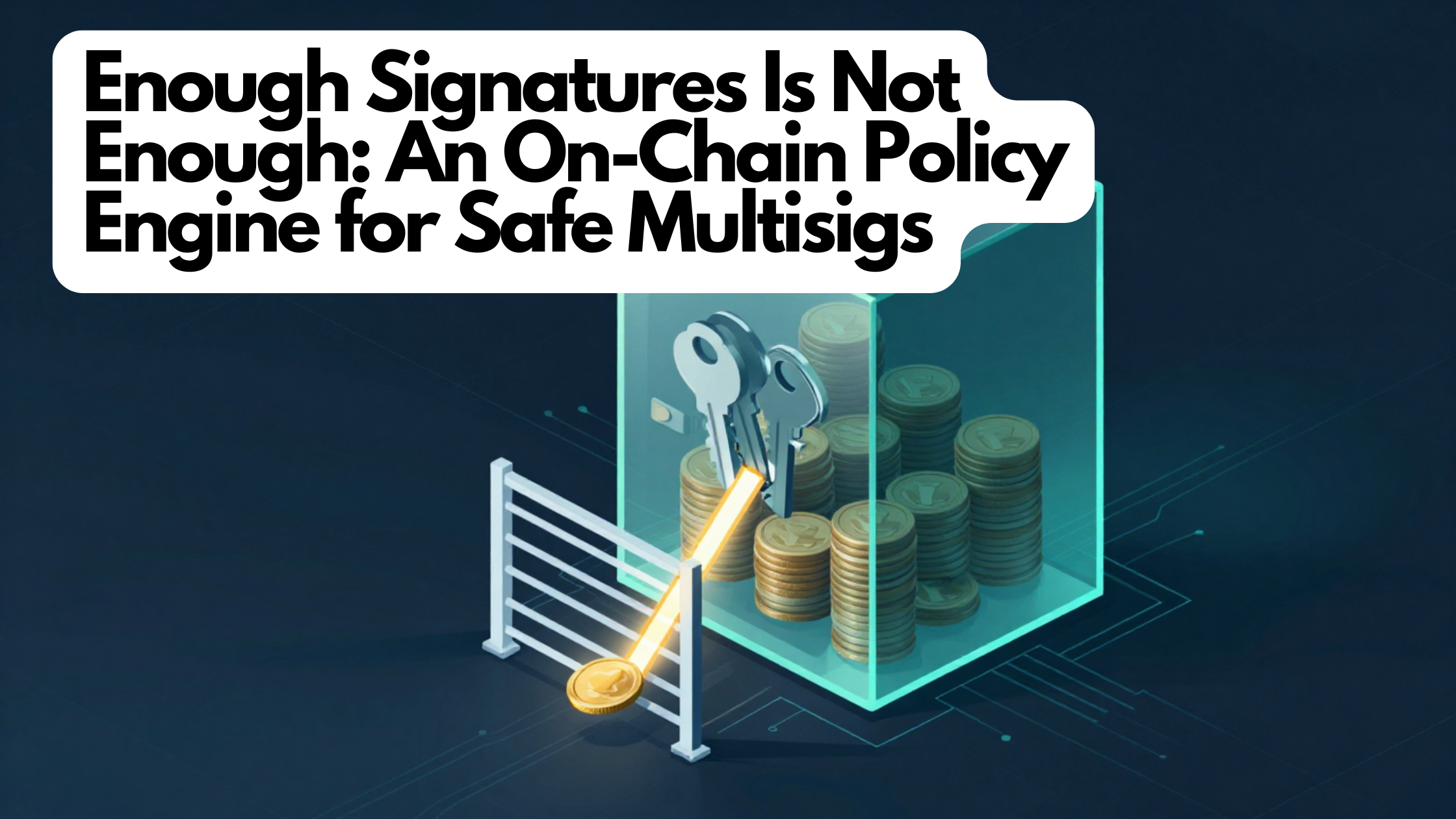
Enough Signatures Is Not Enough: Adding Real Rules to a Shared Vault

How a small guard contract turns “enough people approved” into “enough people approved, and it obeys the rules” — with no admin key and no way to lock a vault out of its own money

The transaction that had every signature it needed

A three-owner treasury runs a two-of-three multisig: any two owners must approve before money moves. One Tuesday a proposal appears in the queue — send 180,000 USDC to an address nobody recognizes. Owner one approves it from a phone between meetings; the amount looks like the quarterly market-maker payment, and the description says exactly that. Owner two approves an hour later for the same reason. Two approvals: threshold met. The transaction executes. The address belonged to whoever phished owner one and quietly queued the proposal.

Nothing in the multisig failed. That’s the uncomfortable part. A multisig has exactly one control — enough owners agree — and once that bar is cleared, it will send any amount, to any destination, at any time. Everything else teams rely on is procedure: “we review destinations carefully,” “we never approve on mobile,” “big transfers get a phone call first.” Procedures are rules that live in people’s heads, and people approve things between meetings.

Part 1 covered FairWins’ shared vaults: a group holds a multisig with a propose-and-approve queue. This post adds the missing layer — a policy engine that constrains what an already-approved transaction may do, after the threshold is met but before the money moves. The phished proposal above dies at that final step against a per-transaction limit or a recipient allowlist, no matter how many signatures it collected.

The interesting question is where such rules can live so they’re actually binding. Checks inside the app are only advisory — anyone can talk to the multisig directly. A rules service on a company server is just another party you have to trust. The place that actually works is a transaction guard: a contract the multisig itself consults, on-chain, before every execution.

Where the guard sits

A modern Safe multisig can register a guard contract with a veto over every transaction. Just before executing an approved transaction, the Safe hands the guard the full details; if the guard objects, the transaction never runs.

FairWins’ guard is a single shared contract per network: one immutable contract holds the rule settings and running totals for every vault that has opted in, filed under each vault’s address. Because the multisig itself is the one asking, the guard always knows which vault’s rules to apply — no setup handshake needed.

Two properties define the trust model. First, the guard is restriction-only: it can block a transaction but never start, approve, or execute one, and it holds no money. Second, a vault is the only authority over its own rules: changing a vault’s policy is itself a transaction that must clear that vault’s normal approval threshold. There is no owner, no admin role, and the guard is deliberately not upgradeable — an upgrade key over it would be a master backdoor over every vault’s enforcement.

The rules

Version 1 ships the classic treasury controls, each independently switchable per vault:

  • Per-transaction limit — per asset; no single outgoing transaction may exceed it.
  • Daily limit — per asset, over a rolling 24-hour window.
  • Recipient allowlist — outgoing money may only go to pre-approved addresses.
  • Cooldown — a minimum wait between money-moving transactions.

A transaction “counts” against these limits when it moves value — sending the native coin, or one of the standard token operations the guard recognizes: transfer, transfer-on-behalf-of, and approve. Counting approve matters: approving a spender is a spending grant, and ignoring it would leave an obvious loophole where the vault grants an unlimited allowance and the spender quietly drains it later.

The allowlist has a subtlety worth copying. For token movements it checks the beneficiary — whoever ultimately receives or can pull the tokens — not just the token contract being called. For everything else it checks the direct target, so even a transaction the guard can’t fully interpret still can’t reach an un-approved contract. A locked-down vault genuinely stays locked down.

Closing the escape hatches first

Limits are worthless if a transaction can step outside the accounting entirely. So while any rule is active, the guard flatly rejects two dangerous shapes:

  • Code that runs inside the vault’s own context. One transaction type lets external code execute with the vault’s full authority — it could move funds without tripping any rule, or even rewrite the guard’s own settings. Refused outright. (The cost is that a certain batching trick isn’t available on rule-governed vaults; since these flows are single-action anyway, nothing is lost.)
  • Gas-refund transactions. The multisig can be told to reimburse the submitter’s gas out of vault funds — an outflow the limits wouldn’t otherwise see. Refused too.

Both rejections come back as clear, named errors, so the app can explain exactly why something was blocked instead of guessing at a cryptic failure.

You can always loosen the rules

The classic failure mode of on-chain rules is locking yourself in: owners set a cooldown of a year, or turn on an allowlist whose only address is now defunct, and the vault is bricked. The fix is a simple, deliberate carve-out. Two kinds of transaction skip all the spending rules entirely: managing the vault itself (owners, threshold, the guard), and changing the vault’s own policy. Both still require the vault’s normal approval threshold — so the only thing exempt is the collective ability to change the rules.

The result: a too-strict policy can always be loosened by the same group consent that set it, and no vault can ever be locked out by its own rules. This isn’t just asserted — it’s tested against a real multisig deployment, not a stand-in mock.

What you see is what gets enforced

Owners should learn a transaction breaks policy before they spend approvals on it. The guard offers a read-only preview that runs the exact same rule check the real enforcement uses, and the app runs every proposal through it first — so what the interface warns you about can never drift from what the chain enforces. Enforcement itself is careful about ordering: the guard reads and evaluates first, then records the updated totals, and never calls out to another contract, so there’s no room for the reentrancy trickery that plagues contracts that move money.

Rules from the very first transaction

A guard attached after creation leaves a window where early transactions are unpoliced. So FairWins can wire the guard in during vault creation itself: the guard address and starting rules are part of the setup, baked into the vault’s predicted address, and if any part of that setup fails the whole creation is aborted — a half-configured vault can never come into existence. For an existing vault, attachment is ordered so there’s never a moment where the guard is half-on.

Design decisions and accepted limits

Immutable, not upgradeable — on purpose. Elsewhere FairWins leans on upgradeable contracts, but the guard has no upgrade path by design: whoever could swap it out could disable every vault’s enforcement. Improvements ship as a brand-new guard that each vault chooses to adopt through its own approval — consent per vault, never a decision imposed by a single deploy key.

Fixed daily window, not perfectly rolling. A truly continuous rolling window would require storing unbounded transaction history on-chain. The simpler fixed-reset window can, in a worst case straddling a reset, allow up to twice the limit — a small, bounded weakening that’s disclosed in the interface rather than hidden.

Uninterpreted transactions pass the spending limits. The guard values native transfers and the standard token operations; something exotic like a DEX swap passes the spending limits unmeasured. It still faces the allowlist on its target — so a vault that needs a hard lockdown turns on the allowlist and gets one.

Conservative accounting. Totals are recorded before the transaction executes. If the inner action later fails quietly, the spend still counts. Overcounting can only ever restrict, never over-permit — the safe direction to err.

The through-line: every rule that exists is enforced exactly, every gap that exists is named, bounded, and disclosed, and no key anywhere can quietly waive either.

Further reading

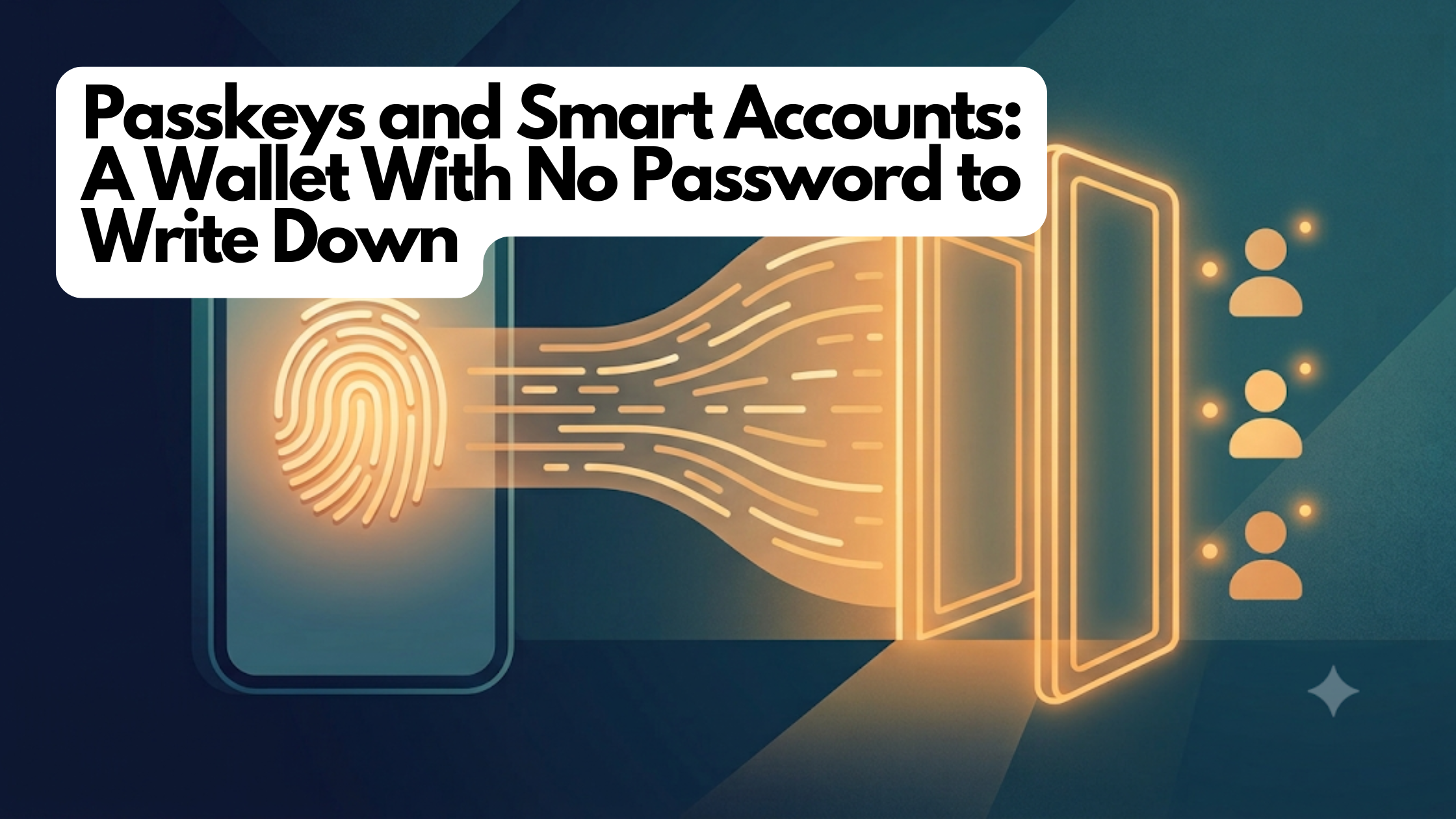
Passkeys and Smart Accounts: A Wallet With No Password to Write Down

What a passkey is, what a “smart-contract wallet” means, and why together they let you have a real crypto account without ever seeing a seed phrase

SeriesKnowledge Base
TrackWallets & Keys
LevelBeginner
AudienceNewcomers who unlock their phone with Face ID and want to know what’s under the hood
Tagspasskeys, smart-accounts, webauthn, wallets, basics
Reading time~6 minutes

The twelve words nobody wants to write down

If you have tried a crypto wallet before, you may remember the moment it handed you twelve random words and told you, sternly, to write them on paper and never lose them, never photograph them, never type them anywhere. That list — called a seed phrase — is the master key to the account. Lose it and your money is gone; let someone see it and they can take everything.

For most normal people, that is where crypto ends. Guarding twelve words like a launch code is nobody’s idea of a fun Tuesday night.

Here is the good news: you almost certainly already use a better system every day, and you probably do not even think of it as security. It is the fingerprint or face scan that unlocks your phone and signs you into apps. This primer explains that system — called passkeys — and the second piece that lets it control real money: a smart account.

What a passkey is

A passkey is a login credential built into your device that you unlock with your face or fingerprint instead of a password. It is the everyday name for a technology called WebAuthn, the same standard behind Face ID sign-in and fingerprint logins on banking and shopping sites you already trust.

Here is the part that makes it powerful. When you create a passkey, your phone generates a secret key and stores it inside a tiny, tamper-resistant security chip. That secret never leaves the chip — not to the app, not to a server, not even to you. When something needs approval, the chip proves it is you (after your face or fingerprint check) without ever revealing the secret itself.

Compare that to a seed phrase or a password, which you can be tricked into typing into a fake website or reading aloud to a scammer posing as support. A passkey has nothing to type and nothing to hand over — there is simply no secret sitting around for a thief to phish. That is exactly the security property crypto wallets have wanted for years.

What a smart account is

So passkeys are a great way to prove it is you. But there is a catch when you try to point one at a crypto account.

An ordinary crypto account is basically a single key and nothing else — a plain lockbox with one lock. It expects signatures written in one specific mathematical “handwriting.” Your phone’s security chip signs in a different handwriting. The two do not recognize each other, so a passkey cannot directly open an old-style account.

The fix is to make the account itself a little smarter. Instead of a plain lockbox, your account becomes a small program that lives on the blockchain — a smart account (you may also hear “smart-contract wallet” or “account abstraction”). Because it is a program, it can be taught to read your passkey’s handwriting and check your phone’s signatures directly.

That upgrade quietly unlocks conveniences a plain account never could:

  • No seed phrase. Your face or fingerprint is the key. There is nothing to write on paper.
  • More than one way in. A smart account keeps a list of approved controllers, not a single fixed key. You can add a second passkey on your tablet, or link an existing wallet as a backup — any of them can get you in.
  • It can protect itself. Because it is a program, the account can enforce its own rules — for example, refusing to remove its very last controller so you cannot accidentally lock yourself out forever.

Think of an old account as a padlock, and a smart account as a small, programmable door with a guest list you can update as your life changes.

How the two fit together

Put them side by side and the experience clicks. The passkey is who you are — proven by your face or fingerprint, backed by a secret that never leaves your phone. The smart account is where your money lives — a program on the blockchain that recognizes that passkey and follows rules you can trust. You unlock it the same way you unlock your phone: the account confirms the approval came from a passkey on its guest list, and only then does anything move. No password, no seed phrase, no browser extension.

How this shows up in FairWins

When you join FairWins, this is exactly what happens — usually in a few seconds and without you thinking about any of it. Your face or fingerprint creates a passkey, and a smart account is set up that recognizes it. There is no twelve-word phrase to record, because there isn’t one.

FairWins leans on the smart account’s guest-list design in a friendly, practical way. It encourages you to add a backup controller — a second passkey or a linked wallet — so that if your phone is lost or broken, another approved device can still get you in. Adding one is a single face or fingerprint approval. And when you link something as a backup, the app tells you plainly that a backup controller has full control of the account, because on the guest list everyone is an equal peer.

What to watch out for

  • A passkey is only as safe as your device’s backup. Most phones automatically sync passkeys to your cloud account (iCloud Keychain, Google Password Manager), so a new phone restores them. But a passkey made in a browser profile that wasn’t syncing can be genuinely lost — which is exactly why adding a second controller in the app matters.
  • “No seed phrase” is not “no responsibility.” You still hold your own account. The responsibility shifted from guarding a paper phrase to keeping a backup way in. Do that early.
  • Anyone with a controller has full power. Only link a wallet or add a passkey you actually trust and control. The app says so, and means it.
  • Your face and fingerprint never leave your phone. The biometric check happens on your device to unlock the passkey; FairWins never sees it.

Related deep-dive

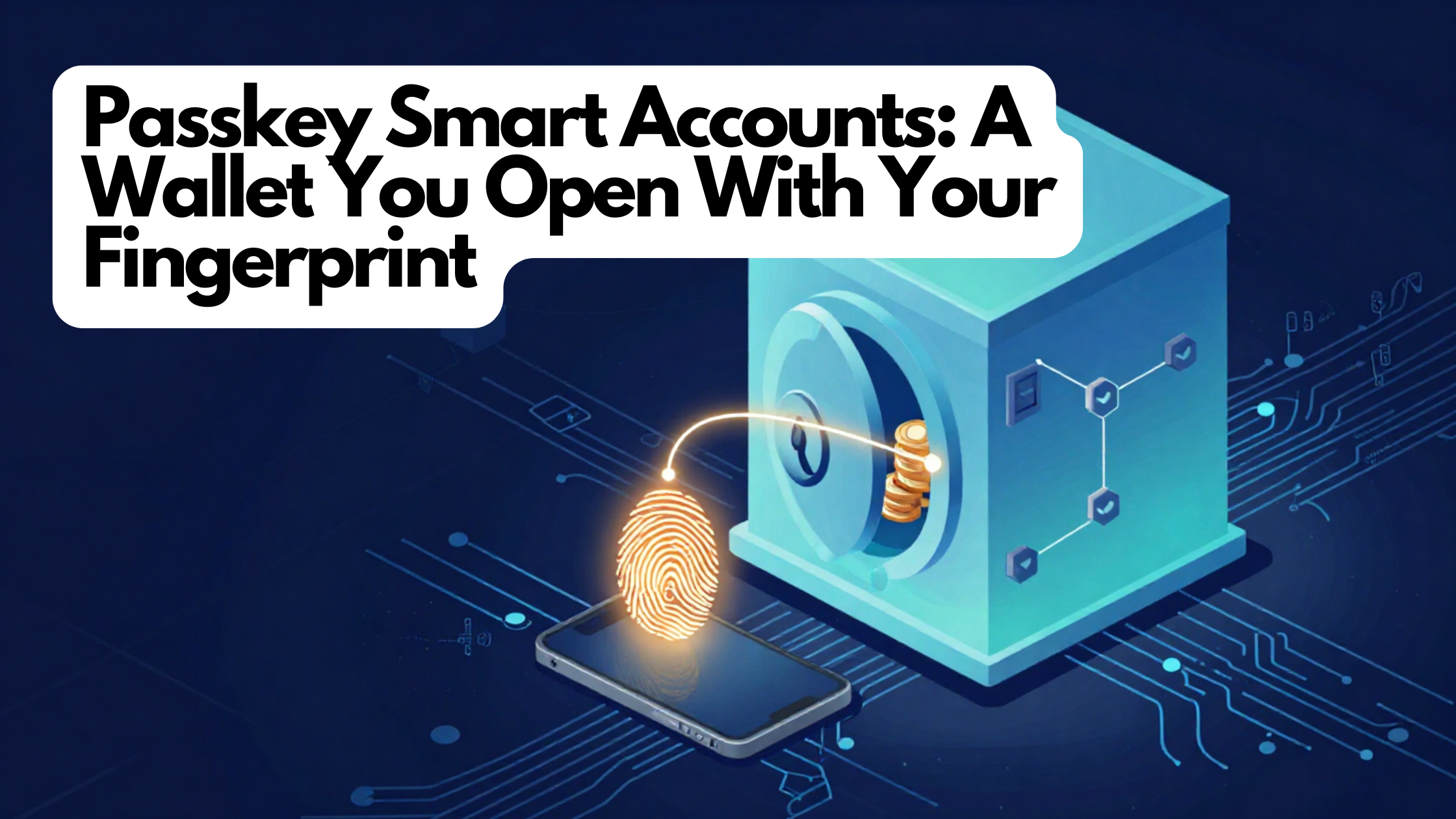
Want the engineering details? Read Passkey Smart Accounts: A Wallet You Open With Your Fingerprint — how FairWins turned Face ID into a real, self-custodial account with no seed phrase.

Learn more

Sponsored Gas Without a Vendor: How “No Network Fee” Became True

How FairWins made “no network fee” an honest promise — by quietly covering the fee itself, using infrastructure it already ran

The lie in the confirm screen

A member creates a FairWins passkey account, receives 40 USDC from a friend, and tries to send 10 of it onward. The confirm screen says “Gasless · sponsored — no network fee.” They tap confirm with their fingerprint. The transfer fails.

Here’s why. Every blockchain transaction costs a small network fee, paid in the chain’s own native token — not in the stablecoin the member actually holds. This account had 40 USDC and zero native token, so there was nothing to pay the fee with, and the transaction was rejected. It’s worse on a member’s very first action, which also has to pay to deploy their account on-chain — so during a busy period even an account holding some native token could come up short.

In other words, the product had promised “sponsored” before the machinery to sponsor anything existed. That broke a standing FairWins principle: the interface must never claim something that isn’t true. There were two ways to fix it — change the words, or make them true. FairWins chose to make them true, with one firm constraint: no third-party sponsorship service. The company already ran the plumbing that submits these gasless transactions and the gateway that screens them, so sponsorship had to be built from those parts.

This post walks through what that took: a deliberately tiny “paymaster” contract, an approval service bolted onto the gateway FairWins already ran, a securely held signing key, and — because nobody may ever be stranded — a fallback that keeps every member able to act even when sponsorship is down.

What sponsoring a fee actually means

The smart-account standard these wallets use lets a transaction name a paymaster: a contract that tells the network, “I’ll cover the fee for this one.” The network then charges the fee to the paymaster’s pre-funded balance instead of the user’s. The entire design question is how the paymaster decides which transactions to pay for.

verifying paymaster answers that with a signature. An off-chain service looks at each transaction and, if it approves, signs a stamp of approval tied to that exact transaction. The contract’s only on-chain job is to check the stamp is genuine — signed by the one authorized signer — and, if so, cover the fee.

The FairWins paymaster is intentionally minimal: its approval stamp is bound to the specific transaction — its sender, its exact contents, the fee ceiling, the network, the paymaster’s own address, and a short expiry window. Because the stamp is nailed to all of that, an approval can’t be reused on a different transaction, on a different network, or after it expires. And it needs no memory of past transactions: the account’s own built-in transaction counter already makes each one single-use. A contract that checks a signature and stores no state is the simplest and safest kind, and stays portable to other networks later.

The economics are just as simple. The paymaster holds a pre-funded deposit with the network, and that deposit is both the sponsorship pool and the hard cap on how much can ever be lost. When the network runs a sponsored transaction, it draws the fee from that deposit — FairWins paying its own gas back, one transaction at a time, all accounted for on-chain.

The decision half: an approval service on the gateway FairWins already ran

The approval signature has to come from somewhere, and where is the real policy decision. There’s an open standard for exactly this handshake — how a wallet asks a sponsorship service for approval — with two steps: a dummy approval so the wallet can estimate the transaction size, then the real, signed one. Because the FairWins frontend already builds transactions with standard tooling, adopting it made the client-side work nearly free.

Rather than stand up a whole new service, FairWins added a sponsorship route to the gateway that already fronts its other gasless features. That gateway already had the three controls sponsorship needs, and the new route reuses them instead of reinventing them:

  1. A kill switch — one setting halts all sponsorship instantly; clients quietly fall back to paying their own fee.
  2. Sanctions screening — the account is checked against sanctions lists, and it fails closed: if it can’t be screened, it isn’t sponsored.
  3. Quotas — per-account and platform-wide rate limits, so no one account and no single day can drain the pool.

Two extra ceilings are new, because sponsorship spends real money on every transaction: a sanity limit on transaction size and a worst-case cost cap, so a single deliberately expensive transaction can’t burn a big slice of the deposit. Every refusal happens before anything is signed, so a rejected request costs the operator nothing.

That signature comes from a securely managed cloud key service — the gateway never holds the raw signing key. Critically, the gateway refuses to start if its signing key doesn’t match the signer the on-chain contract expects. A mismatch that would otherwise silently break every sponsorship instead fails loudly at deploy time, where someone will notice.

One discipline is worth calling out: the “stamp” being signed is computed in two separate codebases — the contract and the gateway — and they must produce byte-for-byte identical results, or every sponsored transaction fails. A cross-check test deploys the real contract and asserts the two agree.

Never stranded, never dishonest

Sponsorship is a nice-to-have, and the platform rule is that a nice-to-have must never strand a member. So the app treats every failure to get sponsorship — service down, kill switch on, quota hit, screening refusal, network blip — identically: rebuild the transaction to pay its own fee and quietly retry once.

There’s a subtle trap the code is careful about. If a transaction would fail on its own merits — say, sending more than the account holds — that’s not a sponsorship failure and must not be silently retried, because the retry would fail identically and hide the real reason. So the fallback only kicks in for genuine sponsorship or network failures.

The disclosure follows the same honesty rule that created this feature. The system tracks a single fact: was this transaction actually sponsored? The confirm screen renders straight from it — “Gasless — no network fee” when true, “You pay the network fee” when false, including the exact shortfall when the account can’t cover it. The rule that the words must match reality is built into the mechanism, not left to good intentions.

Why we built it this way

Sponsor the fee, don’t charge it in stablecoin. An alternative was a paymaster that quietly takes a little USDC to cover the fee — but that needs price feeds, extra accounting, and an approval step, all for an outcome where the member still pays. Sponsoring is the smallest pattern and the only one that makes “no network fee” literally true.

Self-hosted, eyes open. Refusing outside vendors costs real work — key management, quota design, watching the runway — and buys independence: no vendor lock-in, no per-transaction markup, and every policy decision enforced in FairWins’ own gateway.

A small, bounded blast radius. If the approval-signing key were ever stolen, the thief could approve sponsorships — wasting the deposit on other people’s fees — but could not withdraw a cent: withdrawal is restricted to a separate owner key kept in offline, air-gapped storage. The worst case is capped at the deposit, throttled by quotas, cut off by the kill switch, and cleaned up by rotating to a new signer. Keeping the deposit deliberately small keeps that worst case small by policy, not by hope.

Open to everyone. Sponsorship isn’t reserved for higher membership tiers. Any passkey account that passes screening and stays within quota qualifies — spend is bounded by the ceilings, the pool, and the kill switch, not by narrowing who benefits.

The result: when the confirm screen says “no network fee,” it’s telling the truth — the app quietly covered it — and when it can’t, it says so plainly.

Further reading

Passkey Smart Accounts: A Wallet You Open With Your Fingerprint

How FairWins turned Face ID into a real, self-custodial crypto account — no seed phrase, no browser extension, nothing to write down

The twelve words nobody wants to write down

Picture how someone joins a peer-to-peer wager app. A friend sends a link. You have never installed a crypto wallet, you have never copied twelve recovery words onto a scrap of paper, and you are not about to start tonight. What you do have is a phone with a fingerprint sensor and a small, tamper-resistant security chip that has been quietly signing things for you — payments, app logins — for years.

That chip speaks a standard called passkeys — the same WebAuthn technology behind Face ID and fingerprint sign-in on the sites you already use. When you create a passkey, your device generates a private key that it never hands out. It will only prove who you are after a biometric check, and the secret itself never leaves the hardware. That is exactly the security model crypto wallets have chased for a decade: a key that can’t be exported, phished, or pasted into a fake support chat.

There is one stubborn catch. Passkeys and Ethereum accounts speak different mathematical “dialects” for signatures. The security chip in your phone signs using one type of cryptographic curve; ordinary Ethereum accounts expect a different one. They simply don’t recognize each other’s signatures, and no amount of interface polish papers over that. If you want a passkey to control real funds, the account itself has to become a small smart contract — a program on the blockchain — that knows how to read the passkey’s dialect. And something other than the user has to be able to submit that first transaction, because a brand-new passkey can’t pay a network fee from an account that doesn’t exist on-chain yet.

That is the whole idea behind FairWins passkey accounts: a smart-contract wallet controlled by a passkey, able to verify the phone’s signatures directly, living at an address that’s known before the wallet is ever deployed.

An account is a list of owners, not a single key

Rather than build this from scratch, FairWins uses a widely deployed, professionally audited smart-wallet design — Coinbase’s Smart Wallet — and adopts it as-is, without rewriting its logic. The rule is deliberate: an audited contract is only worth something if you don’t quietly fork and change it. Reusing it unmodified means those outside audits still apply.

The clever part of that design is how it defines ownership. An “owner” of the account isn’t one fixed key; it’s simply an entry in a list, and each entry can be one of two things:

  • a linked ordinary Ethereum wallet address (say, a MetaMask you already have), or
  • a passkey — represented by the two numbers that make up its public key.

Both kinds sit in the same list and carry equal authority. Any owner can add or remove other owners, and the contract refuses to remove the last one — so an account can never accidentally lock itself out by deleting its only controller. When a signature arrives, the account looks at which owner produced it and checks it the right way: the passkey path for a passkey, the ordinary path for a linked wallet. One mechanism covers both signing in for transactions and approving off-chain messages.

Checking a passkey signature on the blockchain

A passkey signature is more than a scribble over some data. When your device signs, it wraps the thing you’re approving inside a small standardized bundle that also records details like “this was a genuine WebAuthn sign-in” and “a user was present.” To trust that signature, the contract re-runs the important checks from the official WebAuthn specification right on-chain: it confirms the bundle is the expected kind, that the challenge inside it matches what was really being approved, that a user was actually present, and it rejects a known signature-tampering trick. It deliberately skips a few checks that the phone and the app’s site association already enforce — an honest trade that keeps verification affordable.

Then there’s the heavy math of actually verifying the signature, which is expensive to do on a blockchain. Where the network offers a fast built-in helper for exactly this kind of signature, the contract uses it (cheap — a few thousand units of gas). Where a network doesn’t, the same contract quietly falls back to doing the math the slow, pure-software way. Same code, both worlds — which is why supporting a new network later is a configuration change, not a contract rewrite.

An address before there’s an account

Here’s a nice trick that makes onboarding feel instant: your account address exists before the wallet is actually deployed. The address is calculated purely from your initial list of owners, so the app can show it — and a friend can send funds to it — while the contract itself is still just a plan. FairWins deploys the piece that mints these addresses in an identical way on every supported network, so your address is the same everywhere.

Deployment happens lazily, the first time you actually do something. That first action carries a little bundle of setup instructions: the network deploys your account and performs your transaction together, in one shot. (One hard-won lesson from building this: a popular off-the-shelf toolkit assumed a different deployment source than the one FairWins uses, which quietly produced the wrong predicted address and made every early transaction fail. The fix was to pin everything to the exact same source. If you ever wire a custom wallet into a generic toolkit, check its address assumptions first.)

No seed phrase doesn’t mean no keys

Passkeys are great at signing but they don’t encrypt. Some FairWins features — the private ones — need encryption keys too. So the app uses a companion capability of the passkey standard to derive a stable secret from your authenticator, stretch it into an encryption key, and use that to wrap a single master seed. Every owner on the account unwraps the same seed, which is why your encrypted data survives switching devices. If an authenticator doesn’t support this capability, the app says so plainly rather than silently generating the wrong keys.

Why we built it this way

  • Reuse an audited design, don’t fork it. Using the Coinbase Smart Wallet unmodified keeps its outside security audits meaningful. A private fork would need re-auditing forever.
  • Upgrades belong to the user. These accounts can be upgraded, but only the account’s own owner can authorize that. FairWins holds no override switch over anyone’s wallet — which is what makes this genuinely self-custodial, not “self-custodial” in scare quotes.
  • Fast where possible, correct everywhere. Using the network’s built-in signature helper where it exists, and falling back to software elsewhere, costs a bit more on some chains but means one single codebase runs everywhere.
  • Honest about fees. The confirm screen only says a transaction is sponsored when it truly is; otherwise it says you pay the network fee. (A later post covers how sponsorship works.)

The result is an account you open with a thumbprint, funded at an address that exists before the contract does, and controlled by keys that no server — including ours — ever holds.

Further reading

What “Be Your Own Bank” Actually Means

Self-custody in plain English: what a key is, why “not your keys, not your coins” caught on, and the responsibility that comes with the freedom

SeriesKnowledge Base
TrackWallets & Keys
LevelBeginner
AudienceCurious newcomers who use a bank app but have never held crypto
Tagsself-custody, wallets, keys, security, basics
Reading time~5 minutes

Who holds the vault key?

Think about the money in your bank account. You can see the balance in an app, tap to send some, and trust that it will be there tomorrow. But you are not the one actually holding it. The bank holds it. If you forget your password, the bank can reset it. If someone drains your account, the bank can often claw the money back. That safety net exists because a company sits in the middle, holding your money on your behalf.

That arrangement is called custody — someone else has custody of your funds. It is comfortable and familiar. It also means the bank can freeze your account, decline a payment, or close your access if it decides to.

Crypto offers a different arrangement, and it has a name that sounds bold: self-custody. It means you hold your own money directly, with no company standing in the middle. People sometimes call this “being your own bank.” This primer is about what that really involves — the freedom and the responsibility, honestly.

What self-custody actually is

In crypto, your money lives on a shared public ledger — a giant, tamper-resistant record that thousands of computers keep in sync. Nobody “has” your coins in a drawer. Instead, the ledger says a certain balance belongs to a certain account, and the only way to move that balance is to prove you control the account.

You prove it with a key — think of it as a secret password that also acts as a signature. Whoever holds the key can move the money. There is no manager to appeal to, no “forgot password” button that a company can press for you. The key is the ownership.

That is the whole idea. Self-custody means the key lives with you, not with a company. In older wallets, that key was often shown to you as a list of twelve or twenty-four words — a seed phrase — that you were told to write on paper and never lose. (Newer wallets, including FairWins, replace that with your phone’s built-in security — more on that in the next primer.)

Why people care: “not your keys, not your coins”

You will hear this phrase everywhere in crypto: “not your keys, not your coins.” It is a warning, and it comes from hard experience.

When you leave your crypto on an exchange or app that holds the keys for you, you are trusting that company the same way you trust a bank — except most crypto companies are not banks and have none of a bank’s protections. Several large ones have collapsed or been hacked, and people who thought they “owned” coins there discovered they only owned an IOU that the company could no longer honor.

The phrase means: if you do not personally hold the keys, you do not truly own the coins — you own a promise. Self-custody removes the middleman and the promise. Your money cannot be frozen by a company, cannot vanish in someone else’s bankruptcy, and does not require anyone’s permission to move.

The trade-off, stated honestly

Freedom has a price, and it would be dishonest to skip it: with self-custody, you are responsible for your own keys. There is no support line that can undo a mistake.

  • If you lose the only key and have no backup, the money is gone. Not “frozen pending review” — gone.
  • If someone tricks you into revealing your key or signing something you did not understand, they can take everything, and no one can reverse it.
  • Nobody can help you recover access the way a bank can, precisely because nobody else has your key.

This is not meant to scare you off. Millions of people self-custody safely by doing two simple things: keeping a backup so a single lost device is not the end, and slowing down before approving anything involving money. The rest of this track is about making those two things easy.

How this shows up in FairWins

FairWins is a self-custody app. When you join, an account is created that only you control — the keys never touch a FairWins server, and the company holds no master switch over your funds. That is a deliberate design choice: it is what lets FairWins honestly say your money is yours.

FairWins tries to keep the good part of self-custody (you are in control) while softening the scary part (one mistake ends everything). It does this two ways worth knowing now. First, it uses your phone’s own security hardware instead of a seed phrase you have to write down. Second, it strongly encourages you to add a backup controller — a second way to get into your account — before anything goes wrong, so a lost or broken phone is an inconvenience, not a catastrophe. The app will nudge you until you have one, on purpose.

What to watch out for

  • A backup is not optional. The single most common way people lose self-custodied money is having exactly one way in, then losing it. Set up a backup early, while everything is working.
  • No one legitimate ever needs your key or recovery words. Anyone who asks — “support,” a giveaway, a friend in a hurry — is trying to rob you. Real apps never ask.
  • Read before you approve. Signing a transaction is like signing a check that cannot bounce or be cancelled. FairWins shows you exactly what you are approving before you approve it; take the extra second to look.
  • Self-custody is a responsibility, not a personality test. If you are not ready for it on day one, that is fine — just do not keep more on any app than you would be comfortable managing.

Related deep-dive

Want the engineering details? Read Losing Every Passkey Shouldn’t Mean Losing the Account — how FairWins makes a self-custody account recoverable without bringing back the seed phrase.

Learn more